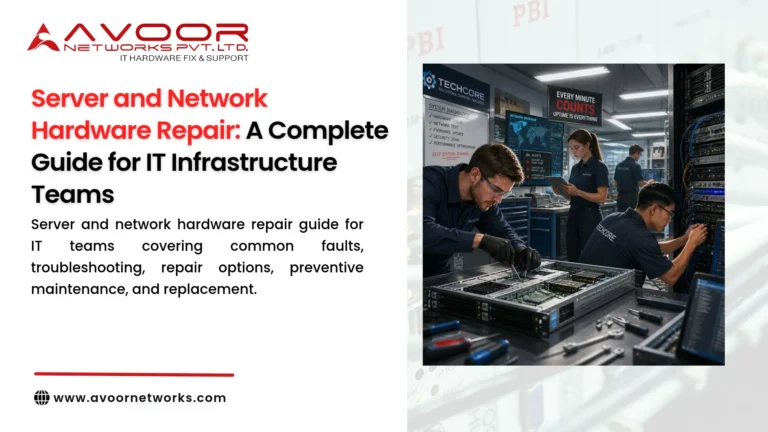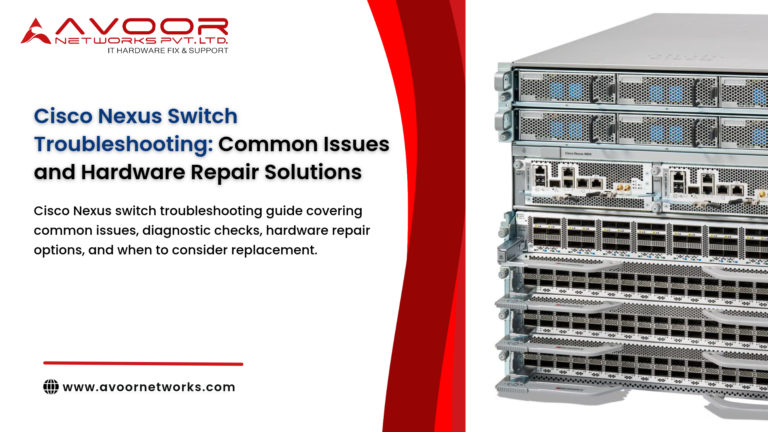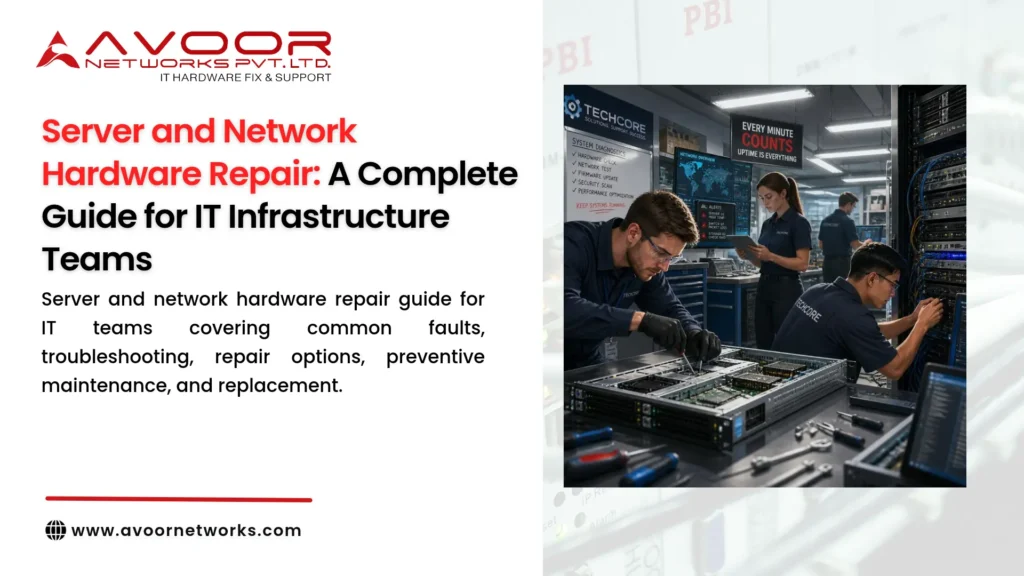
Server and network hardware repair is an important part of maintaining reliable IT infrastructure. Servers, routers, switches, firewalls, and storage systems support business applications, communications, data access, and daily operations. When one of these devices fails, the impact can extend across multiple teams and services.
For IT infrastructure teams, the goal is not simply to restore a device. It is to identify the cause, minimize disruption, protect data and configurations, and decide whether repair or replacement is the most appropriate option.
This guide explains common hardware failures, troubleshooting practices, repair methods, and maintenance strategies for enterprise IT environments.
What Is Server and Network Hardware Repair?
Server and network hardware repair involves diagnosing and resolving physical faults in IT equipment. Depending on the device and problem, service may include replacing a faulty module, repairing a circuit, restoring power delivery, or assessing whether the equipment can be returned to service safely.
Common equipment includes:
- Rack and tower servers
- Enterprise routers and switches
- Firewalls and security appliances
- server and network hardware repair
- Storage systems and controllers
- Network interface cards and connectivity modules
- Power supplies, fans, and other replaceable components
- server and network hardware repair
Hardware repair should be distinguished from software troubleshooting, configuration changes, and network redesign. These areas can overlap during diagnosis, but each requires its own checks and expertise.
Common Server Hardware Problems
1. Server Fails to Power On
A server that does not start may have an input power issue, failed power supply, damaged connector, or internal power-circuit fault.
Initial checks:
- Verify the power source and power cable.
- Check power supply indicators and system event logs, where available.
- Inspect for visible damage or signs of overheating.
- Confirm whether redundant power supplies are recognized and healthy.
If basic power checks do not resolve the issue, arrange a qualified hardware assessment rather than repeatedly cycling power.
2. Overheating and Fan Failure
High temperatures or fan alerts may result from blocked airflow, failed fans, dust accumulation, or unsuitable room conditions.
Check fan status, temperature alerts, rack airflow, and the equipment-room environment. Follow the manufacturer’s guidance for cleaning and replacing cooling components.
3. Memory or Storage Errors
Memory faults may cause boot problems, system instability, or hardware alerts. Storage problems can lead to degraded performance, failed boot processes, or data availability concerns.
Review diagnostic messages and component status. Before replacing storage hardware, follow the organization’s data-protection and recovery procedures. Avoid unnecessary actions that could compromise data or a functioning storage array.
4. Motherboard or Internal Circuit Faults
A system board or internal circuit fault may cause intermittent operation, failed startup, or recurring hardware errors. These issues generally require detailed diagnostics to determine whether a component-level repair, board replacement, or equipment replacement is appropriate.
Common Network Hardware Problems
1. Router or Switch Power Faults
Power supply failures can cause a network device to shut down or operate with reduced redundancy. Check power indicators, system logs, and the health of redundant supplies.
2. Interface and Port Failures
Ports that remain down, flap, or report errors may be affected by cables, transceivers, connected devices, configuration, or physical interface damage.
Test external components first where safe and practical. If the issue remains associated with a particular port after those checks, the device may need hardware assessment.
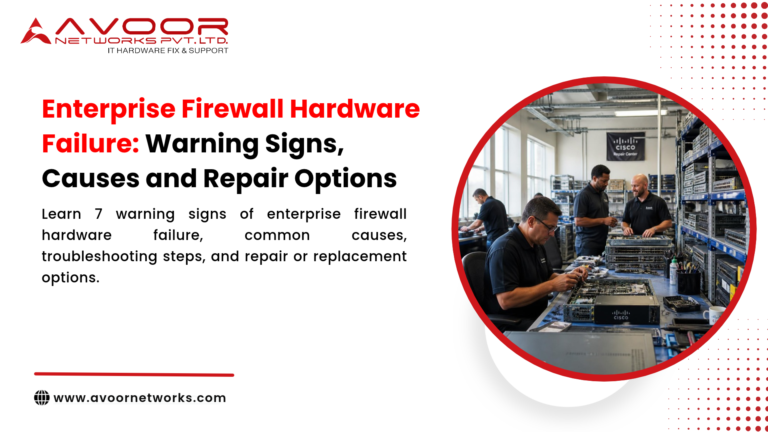
3. Firewall Hardware Instability
Firewall symptoms can include unexpected reboots, power alerts, overheating, or unstable interfaces. However, configuration, software, and traffic conditions can produce similar symptoms.
Review logs and hardware health information, and distinguish physical faults from software or network issues before arranging repair.
4. Storage and Network Connectivity Issues
Connectivity problems between servers, switches, and storage systems can originate in cables, optics, interface modules, configuration, or hardware. Trace the issue systematically through the connection path instead of assuming the first device showing an alert is the source.
A Practical Troubleshooting Process
A consistent process helps IT teams reduce unnecessary part replacements and improve repair decisions.
Step 1: Document the symptoms
Record the device model, serial number, affected service, error messages, alert times, and recent changes. Include whether the problem is constant or intermittent.
Step 2: Check recent changes
Review recent software updates, configuration changes, maintenance activity, power events, cabling work, and equipment moves.
Step 3: Inspect the environment
Check power, cooling, airflow, cable connections, and visible damage. Follow the device manufacturer’s safety and service guidance.
Step 4: Review logs and diagnostics
Use supported diagnostic tools to examine system events, component health, interface counters, and relevant error messages.
Step 5: Isolate the likely fault
Where appropriate, test known-good cables or compatible replaceable components. Use approved change-control and failover procedures when working on production systems.
Step 6: Protect configuration and data
Back up configurations and preserve relevant logs according to organizational security policies. For servers and storage systems, follow established data protection and recovery procedures before hardware work.
Step 7: Decide on repair or replacement
Base the decision on the confirmed fault, equipment condition, parts availability, repair cost, support status, and business impact.
Server and Network Hardware Repair Options
The right repair method depends on the equipment design and the fault identified during diagnosis.
Replaceable component service
Some devices use replaceable power supplies, fans, memory modules, or interface modules. Replacing a faulty component may be appropriate when the exact part is compatible and the manufacturer’s service procedure permits it.
Board-level or component-level repair
Some failures originate in the power circuitry or other components on a printed circuit board (PCB). A qualified repair provider can assess whether component-level repair is feasible or whether replacing the board is more suitable.
Not every board or component can be repaired economically. The decision depends on the device, fault severity, available parts, and testing requirements.
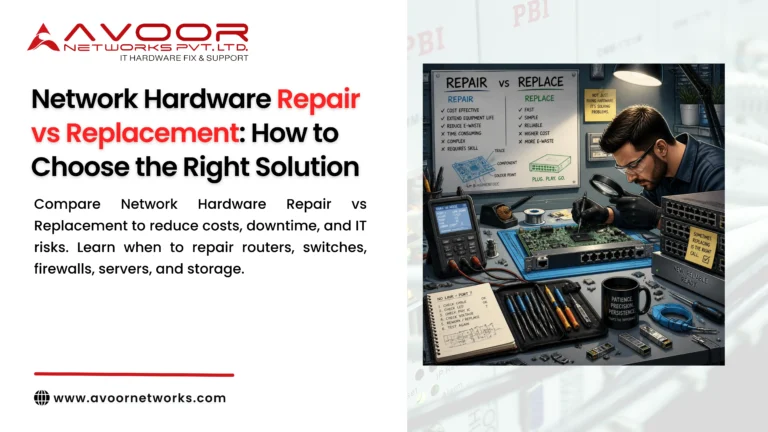
Hardware replacement
Replacement may be preferable when damage is extensive, compatible parts are unavailable, faults recur, repair costs are disproportionate, or the device no longer meets operational or security requirements.server and network hardware repair.
Repair Versus Replacement: What IT Teams Should Consider
| Consideration | Questions to ask |
|---|---|
| Fault severity | Is the fault isolated or is there extensive damage? |
| Parts availability | Are compatible parts available and verifiable? |
| Repair cost | Is repair reasonable compared with replacement? |
| Business criticality | What is the impact if the device fails again? |
| Support status | Is the equipment still supported by the OEM? |
| Security requirements | Can the device meet current security and compliance needs? |
| Lifecycle plan | Is the device already scheduled for replacement? |
For end-of-life equipment, remember that third-party hardware repair does not restore OEM software updates, security patches, or vendor support.
Preventive Maintenance for IT Infrastructure
Preventive maintenance can help identify developing faults and keep equipment operating within recommended conditions.
A practical maintenance program may include:
- Monitoring power supply, fan, and temperature alerts
- Maintaining appropriate rack airflow and environmental conditions
- Reviewing recurring hardware and interface errors
- Keeping configuration backups current and secure
- Checking spare-parts availability for critical devices
- Maintaining a record of repairs and repeated failures
- Testing failover and recovery procedures according to an approved plan
- Reviewing lifecycle and replacement requirements
The maintenance schedule should reflect equipment criticality, operating conditions, manufacturer guidance, and internal change-control requirements.
Choosing a Hardware Repair Service Provider
When selecting a repair partner, IT teams should evaluate more than price. Ask about experience with the relevant device categories, supported brands and models, diagnostic methods, parts sourcing, testing, logistics, and warranty terms.
A reliable service process should provide clear findings and explain:
- What was tested and what fault was identified
- Which repair option is recommended
- What parts and labor are included
- What testing will be performed after repair
- What limitations or exclusions apply
- What happens if the device cannot be repaired
For security-sensitive equipment, agree on configuration access, data handling, and equipment tracking before dispatch.
How Avoor Networks Pvt Ltd Supports IT Infrastructure Teams
Avoor Networks Pvt Ltd provides multi-brand enterprise network hardware repair and maintenance services for routers, switches, firewalls, servers, and storage equipment. Services include hardware assessment, component-level repair where feasible, spare-parts support, and AMC/CAMC services.
With a Bengaluru-based repair depot and PAN-India pickup and delivery, Avoor Networks Pvt Ltd supports businesses, system integrators, and IT infrastructure teams. Service feasibility depends on the exact equipment model, fault, and availability of compatible parts.
Conclusion
Server and network hardware repair is most effective when it follows a structured process: document the symptoms, check environmental and external causes, review diagnostics, protect data and configurations, and confirm the fault before choosing a repair.
For IT infrastructure teams, the best decision balances reliability, cost, parts availability, support status, security, and business impact. A documented maintenance and lifecycle plan helps teams manage hardware faults while preparing for eventual upgrades or replacement.