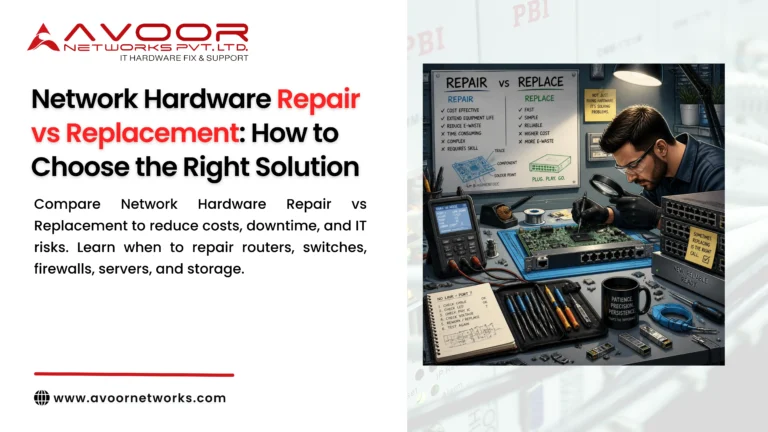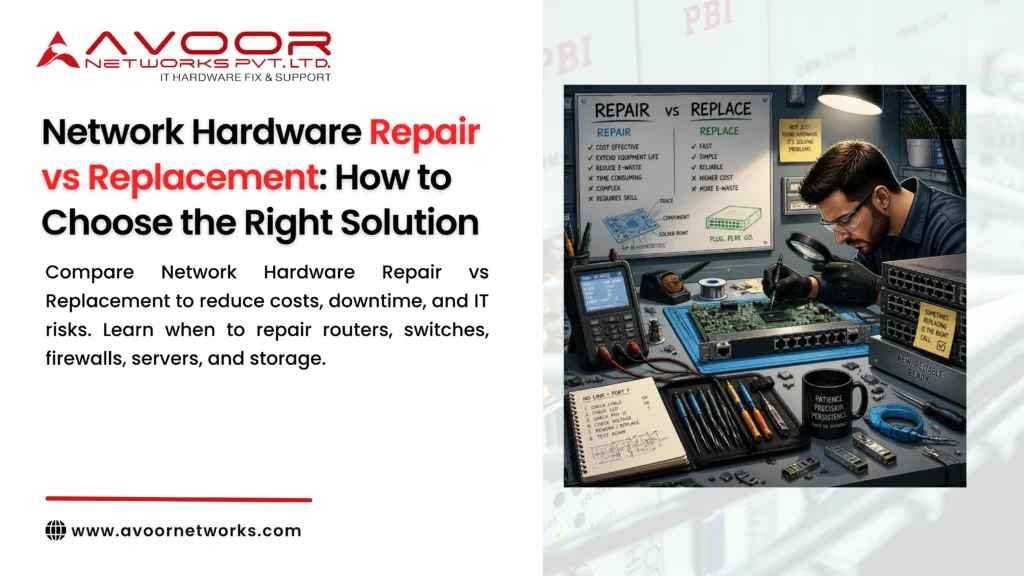
Network Hardware Repair vs Replacement is an important decision for every IT Manager responsible for enterprise infrastructure.
When a router, switch, firewall, server, storage system, or network module fails, the immediate question is often simple:
Should we repair the existing equipment or replace it with new hardware?
The answer is not always obvious.
Replacing hardware can provide newer technology, better performance, longer vendor support, and improved security. However, replacement can also involve significant purchase costs, migration work, configuration changes, installation, testing, and downtime.
On the other hand, professional hardware repair can restore suitable equipment at a lower cost and help businesses extend the operational life of existing infrastructure.
The right decision depends on the fault, age, performance, security requirements, lifecycle status, repair cost, spare availability, and business criticality of the equipment.
At Avoor Networks Pvt. Ltd., we help businesses evaluate enterprise networking and IT hardware for repair, refurbishment, maintenance, and replacement requirements.
With more than 26 years of experience, our services include network hardware repair, chip-level diagnostics, router and switch repair, firewall repair, server and storage repair, EOL hardware support, AMC/CAMC services, and refurbished networking equipment.
Table of Contents
- What Is Network Hardware Repair?
- What Does Hardware Replacement Involve?
- Network Hardware Repair vs Replacement
- 7 Factors to Consider Before Deciding
- When Should You Repair Network Hardware?
- When Should You Replace Network Hardware?
- Repair vs Replacement Cost Comparison
- How Chip-Level Repair Changes the Decision
- EOL and Legacy Hardware Considerations
- Repair vs Replacement for Different Devices
- A Practical Decision-Making Checklist
- Preventive Maintenance and Hardware Lifecycle Management
- Why Choose Avoor Networks?
- Frequently Asked Questions
- Conclusion
What Is Network Hardware Repair?
Network hardware repair involves diagnosing and restoring defective physical equipment.
Depending on the device and failure, professional repair may include:
- PCB diagnostics
- Component replacement
- Chip-level repair
- Power supply repair
- Network port repair
- SFP/SFP+ interface repair
- Cooling system repair
- Controller repair
- Motherboard repair
- Module repair
- Functional testing
The objective is to restore the equipment to reliable working condition where technically and economically appropriate.
Repair is often worth considering when the device is otherwise healthy and the failure is isolated.
What Does Hardware Replacement Involve?
Hardware replacement means removing the failed or outdated device and installing a new or alternative unit.
Replacement may involve:
- Purchasing new equipment
- Selecting compatible hardware
- Configuration migration
- Firmware updates
- Network redesign
- Installation
- Testing
- Staff training
- License management
- Decommissioning old equipment
For a simple access switch, replacement may be relatively straightforward.
For a core router, firewall, storage controller, or data center switch, replacement can be significantly more complex.
Network Hardware Repair vs Replacement: What’s the Difference?
| Factor | Repair | Replacement |
|---|---|---|
| Initial cost | Usually lower | Usually higher |
| Downtime | Potentially shorter | Can be longer |
| Technology | Existing | Newer |
| Configuration | Usually retained | May require migration |
| Vendor support | Depends on platform | Usually better |
| Performance | Existing capability | Potentially improved |
| EOL risk | May remain | Can be reduced |
| Equipment lifespan | Extended | Reset with new hardware |
| Spare availability | Important | Usually easier for current models |
| Migration effort | Low to moderate | Moderate to high |
There is no universal answer.
The correct decision depends on the specific environment.
7 Factors to Consider Before Choosing Repair or Replacement
1. Identify the Actual Hardware Failure
Before deciding to replace a device, determine what has actually failed.
A device that does not power on could have a problem with:
- Power supply
- Power circuit
- Motherboard
- Capacitor
- Voltage regulator
- Controller
- Internal connection
Replacing the complete device without diagnosing the fault may result in unnecessary expenditure.
Professional diagnostics should be the first step.
2. Compare Repair Cost with Replacement Cost
Cost is one of the most important factors in the Network Hardware Repair vs Replacement decision.
Consider the total cost—not simply the purchase price.
Repair Cost
Include:
- Diagnosis
- Parts
- Labor
- Logistics
- Testing
- Installation
Replacement Cost
Include:
- New hardware
- Licenses
- Accessories
- Installation
- Configuration
- Migration
- Testing
- Downtime
- Staff resources
A repair may appear more attractive when comparing only hardware prices, but the full business cost should always be evaluated.
3. Consider the Age of the Equipment
Age matters.
A relatively recent device with an isolated hardware fault may be an excellent repair candidate.
An extremely old device experiencing multiple failures may be better replaced.
Ask:
- How old is the equipment?
- How frequently has it failed?
- Are spare parts available?
- Is vendor support still available?
- Does it meet current performance requirements?
- Is the platform approaching EOL or EOS?
4. Check EOL and EOS Status
End of Life (EOL) and End of Support (EOS) are important considerations.
If a device is approaching or has passed its support lifecycle, repairing it may provide only a temporary solution.
However, repair can still make sense when the organization needs additional time to plan migration.
For example:
A company may repair a legacy switch today and schedule its replacement six months later during a planned infrastructure upgrade.
This is very different from relying indefinitely on unsupported infrastructure.
5. Evaluate Security Requirements
Security should be a major consideration.
A hardware repair may restore the physical functionality of a firewall or router, but it does not automatically restore vendor security support.
Before repairing an older security device, evaluate:
- Security updates
- Firmware availability
- Vulnerability management
- Compliance requirements
- Encryption capabilities
- Vendor support
If the device presents an unacceptable security risk, replacement should take priority.
6. Consider Business Criticality
Not every network device has the same importance.
A small office access switch may be less critical than a data center core switch.
Classify devices as:
Critical
Examples:
- Core switches
- Core routers
- Firewalls
- Storage controllers
High
Examples:
- Distribution switches
- Branch routers
- Application servers
Medium or Low
Examples:
- Non-critical access switches
- Secondary equipment
- Lab hardware
For critical equipment, businesses should maintain redundancy or compatible spares regardless of whether they choose repair or replacement.
7. Evaluate Future Requirements
The final question is:
Will the equipment still meet business requirements over the next few years?
If network traffic is increasing, new applications are being introduced, or the organization is moving toward higher-speed interfaces, repairing old equipment may only postpone an inevitable upgrade.
In that situation, replacement may provide better long-term value.
When Should You Repair Network Hardware?
Professional network hardware repair is often worth considering when:
- The device is otherwise reliable.
- The failure is isolated.
- Repair costs are significantly below replacement costs.
- The equipment still meets performance requirements.
- Security support remains acceptable.
- Replacement hardware is difficult to obtain.
- The organization needs additional time before modernization.
- A compatible spare is available.
- The device is part of a stable legacy environment.
When Should You Replace Network Hardware?
Replacement is generally worth serious consideration when:
- Failures are becoming frequent.
- Repair costs are approaching replacement costs.
- Replacement parts are unavailable.
- The equipment is significantly outdated.
- Performance is insufficient.
- Security support has ended.
- The device has become a single point of failure.
- The organization requires new features.
- The platform is no longer compatible with business requirements.
Network Hardware Repair vs Replacement: Cost Comparison
Consider a simple example.
A business has an older enterprise switch that has stopped functioning.
Option A: Repair
The business may incur costs for:
- Hardware diagnosis
- Component repair
- Testing
- Transportation
- Reinstallation
Option B: Replace
The business may need to pay for:
- New switch
- Licensing
- Configuration
- Installation
- Migration
- Testing
- Old equipment disposal
If the existing switch is still suitable and the fault is repairable, repair may offer a significant financial advantage.
However, if the device is already approaching the end of its useful life, replacement may be a better long-term investment.
How Chip-Level Repair Changes the Decision
Chip-level repair can make the Network Hardware Repair vs Replacement decision more interesting.
Traditional repair may involve replacing an entire module or board.
Chip-level diagnostics can investigate individual components on the PCB.
Potentially repairable components include:
- ICs
- Voltage regulators
- MOSFETs
- Capacitors
- Resistors
- Memory components
- Controllers
- Interface components
This can be especially useful for:
- Legacy routers
- Enterprise switches
- Firewalls
- Network modules
- Server boards
- Storage controllers
When replacement boards are expensive or unavailable, chip-level repair may provide another option.
EOL and Legacy Hardware: Repair or Replace?
Legacy equipment requires careful evaluation.
Suppose an enterprise has an older router that still provides sufficient throughput but has developed a power-related hardware fault.
The business could:
Option 1: Replace it immediately.
Option 2: Repair the router and plan a controlled migration.
The second approach may make sense if the platform remains secure and operationally suitable.
However, if the router no longer receives important security updates or cannot support current business requirements, replacement should be prioritized.
Repair vs Replacement for Different Devices
Router
Repair may be appropriate for:
- Power faults
- Interface faults
- PCB issues
- Component failures
Replacement may be better for outdated routing capabilities or unsupported security requirements.
Switch
Repair can be practical for isolated:
- Power failures
- Port failures
- SFP issues
- Cooling problems
Replacement may be better when port capacity, switching performance, or network architecture has changed significantly.
Firewall
Security lifecycle is especially important.
Hardware repair can restore functionality, but organizations must also consider firmware and security support.
Server
Repair may make sense for:
- Power supplies
- Fans
- Memory
- Motherboards
- RAID controllers
Replacement may be better when performance, virtualization capabilities, or energy efficiency have become inadequate.
Storage
Storage systems require special consideration because reliability and data availability are critical.
Repair can be appropriate for:
- Controllers
- Power modules
- Fans
- Backplanes
- Other hardware components
Organizations should always maintain appropriate backups and recovery procedures.
A Practical Network Hardware Decision Checklist
Before approving repair or replacement, ask these questions:
Hardware
- What exactly failed?
- Is the fault repairable?
- Is the equipment otherwise healthy?
Cost
- What is the repair cost?
- What is the total replacement cost?
- What will downtime cost?
Lifecycle
- Is the device EOL?
- Is it EOS?
- Are parts available?
Security
- Does the equipment receive security updates?
- Is it compliant with current requirements?
Performance
- Does it meet current traffic requirements?
- Will it meet expected future requirements?
Availability
- Is a compatible spare available?
- How quickly can replacement equipment be delivered?
Business Impact
- How critical is the device?
- Does it represent a single point of failure?
The answers will usually make the decision much clearer.
Preventive Maintenance Can Reduce Future Costs
Regardless of whether you choose repair or replacement, preventive maintenance remains important.
Regularly monitor:
- Temperature
- Fans
- Power supplies
- Interface errors
- Hardware alerts
- System logs
- Physical condition
Maintain accurate records of:
- Installation dates
- Repair history
- Failure frequency
- EOL/EOS status
- Spare inventory
This information helps IT Managers identify equipment that should be repaired, monitored, or replaced.
Why Choose Avoor Networks Pvt. Ltd.?
With more than 26 years of experience, Avoor Networks Pvt. Ltd. provides enterprise hardware repair and lifecycle support for organizations across India.
Our capabilities include:
- Network Hardware Repair vs Replacement assessment
- Enterprise Network Hardware Repair
- Cisco Router and Switch Repair
- Juniper Equipment Repair
- HPE Network Equipment Repair
- Firewall Hardware Repair
- Server Repair
- Storage Repair
- Chip-Level Diagnostics and Repair
- EOL Hardware Support
- Legacy Equipment Repair
- Refurbished Networking Equipment
- Preventive Maintenance
- AMC/CAMC Services
- Multi-Brand Hardware Support
- PAN India Pickup and Delivery
Our goal is to help organizations determine the most practical solution based on technical condition, business requirements, cost, lifecycle, and reliability.
Conclusion
Choosing between Network Hardware Repair vs Replacement should never be based solely on the age of a device or the cost of a new replacement.
The better approach is to evaluate the complete picture:
If the equipment remains suitable and the fault is economically repairable, professional repair can extend its useful life and reduce unnecessary capital expenditure.
If the equipment is outdated, repeatedly failing, unsupported, insecure, or no longer capable of meeting business requirements, replacement may provide better long-term value.
The key is making the decision before a hardware failure becomes a business-critical outage.
With more than 26 years of experience, Avoor Networks Pvt. Ltd. provides professional network hardware repair, chip-level diagnostics, legacy and EOL equipment support, server and storage repair, preventive maintenance, AMC/CAMC services, and refurbished networking solutions across India.
Need Help Deciding: Repair or Replace?
Before spending money on new enterprise hardware, have the existing equipment professionally diagnosed.
Contact Avoor Networks Pvt. Ltd. for expert Network Hardware Repair vs Replacement guidance, enterprise hardware diagnostics, chip-level repair, and PAN India hardware support.